
01
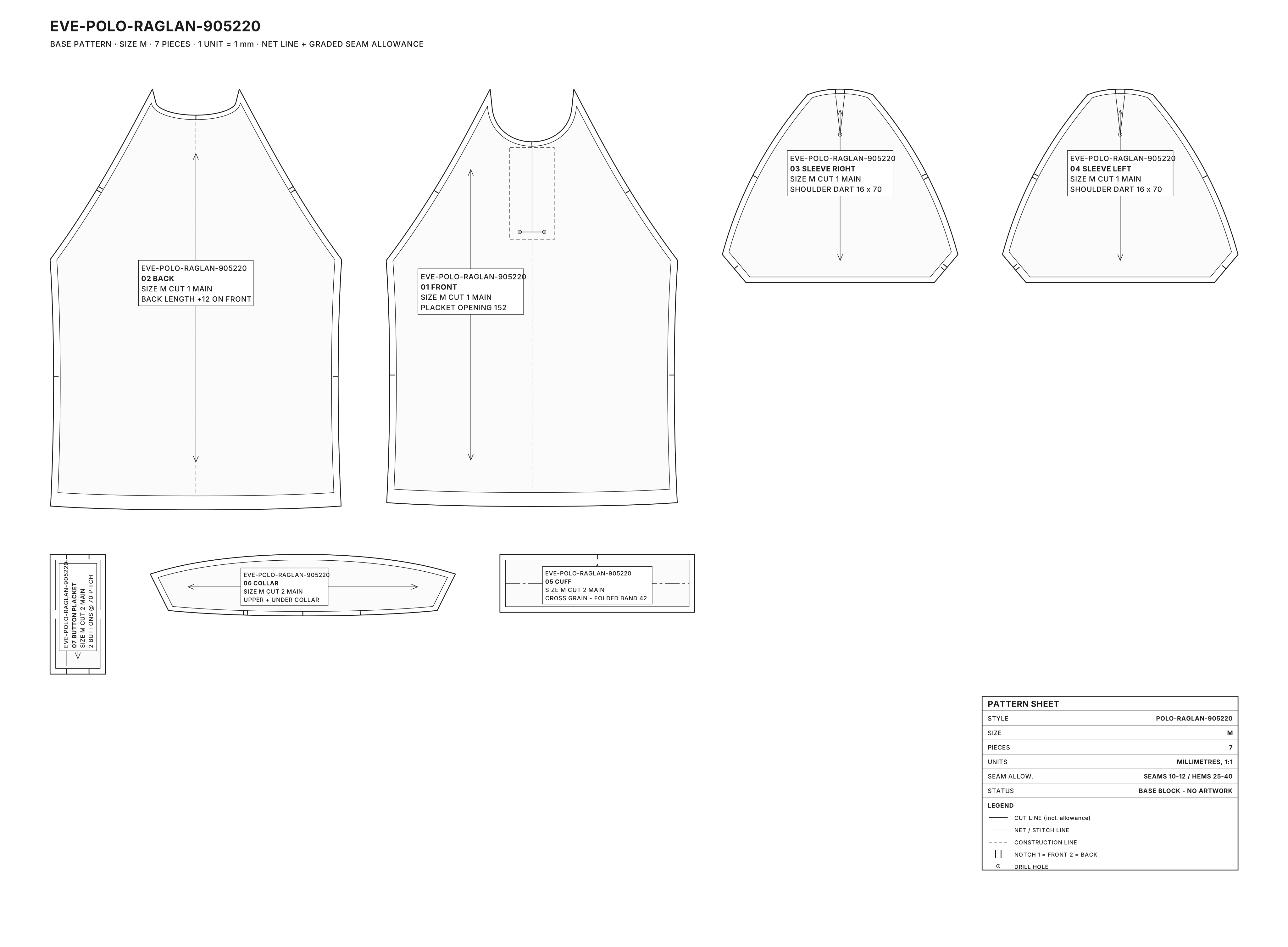
Base pattern (example)
The graded base block with seam allowances, notches and grain lines. Fixed per size, still without artwork.
What used to take the DTP team weeks, endlessly copying logos, names and numbers per size, now happens automatically. Already running at enterprise scale in production, including at PUMA OSS, now available as a module for every Go Eve platform.
Configurator designs headed for production are still often rebuilt by hand today. Redrawing logos, entering names and numbers per size, converting colors to the right profile. Every correction starts the process over.
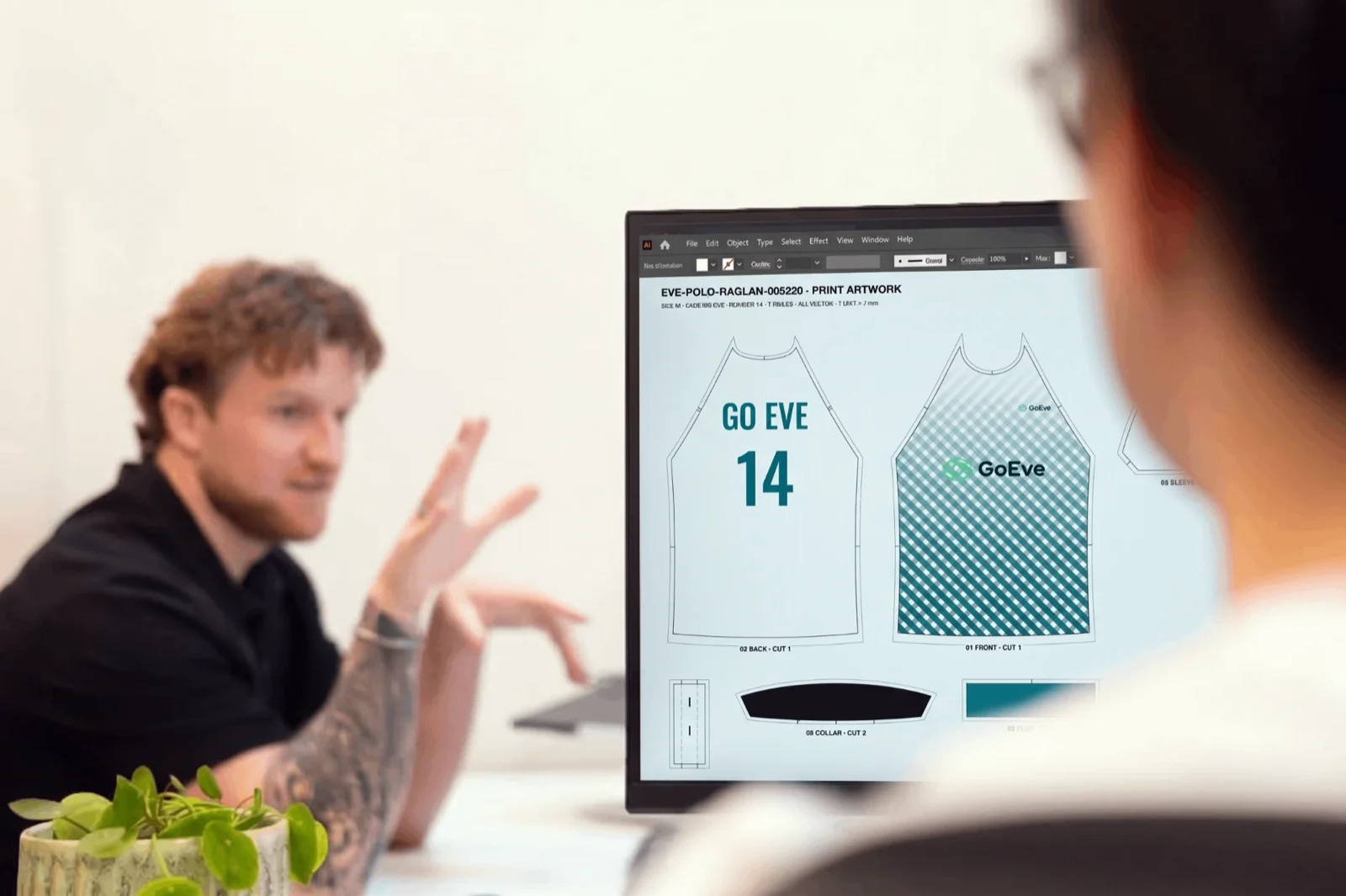
The base pattern per size is fixed. The customer configures in 3D. The EPS Generator places that design onto the right pattern pieces, rule-based, and delivers a vector file the factory can cut and print straight away.
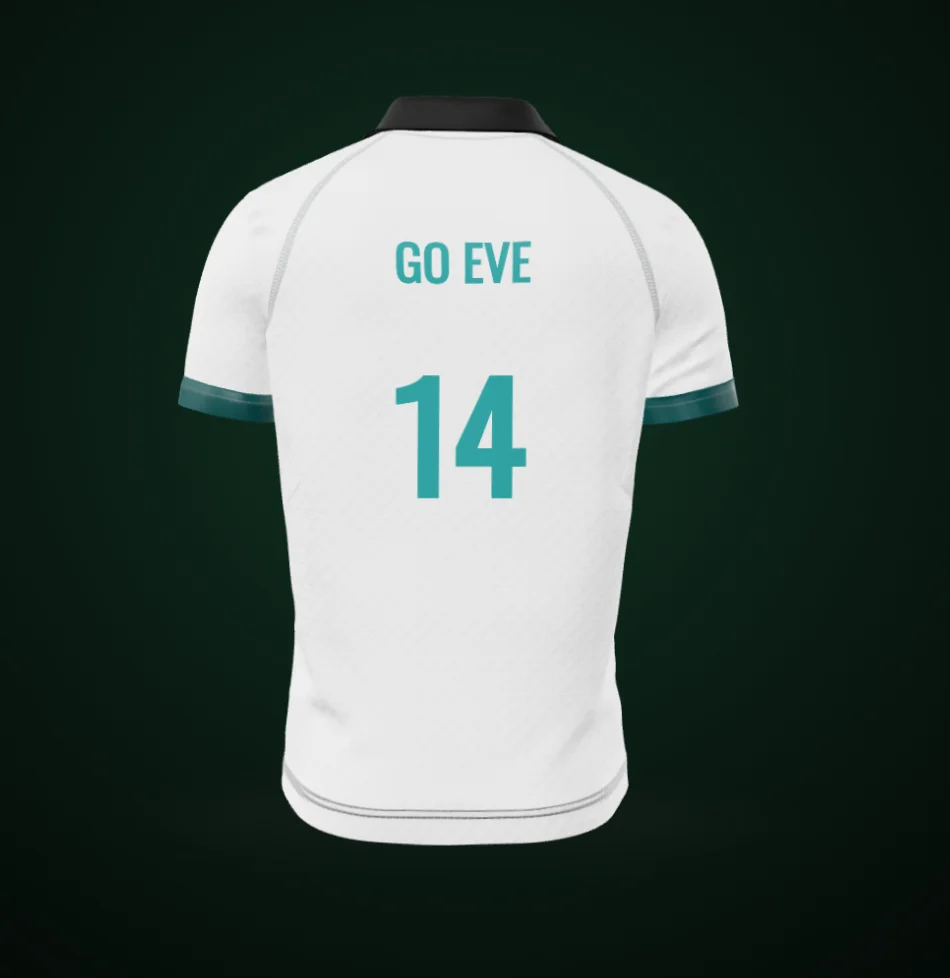
The graded base block with seam allowances, notches and grain lines. Fixed per size, still without artwork.
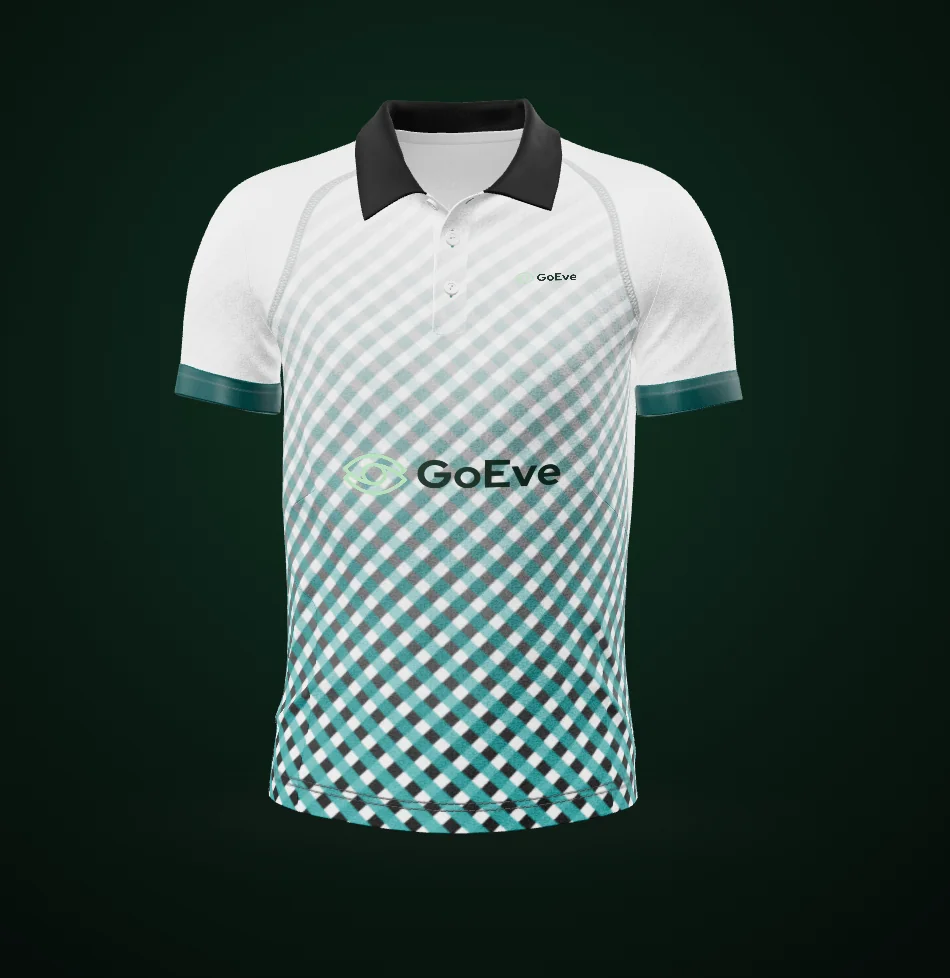
The customer assembles the product in the configurator. Colors, graphics, logos, name and number are captured as data, not as a picture.
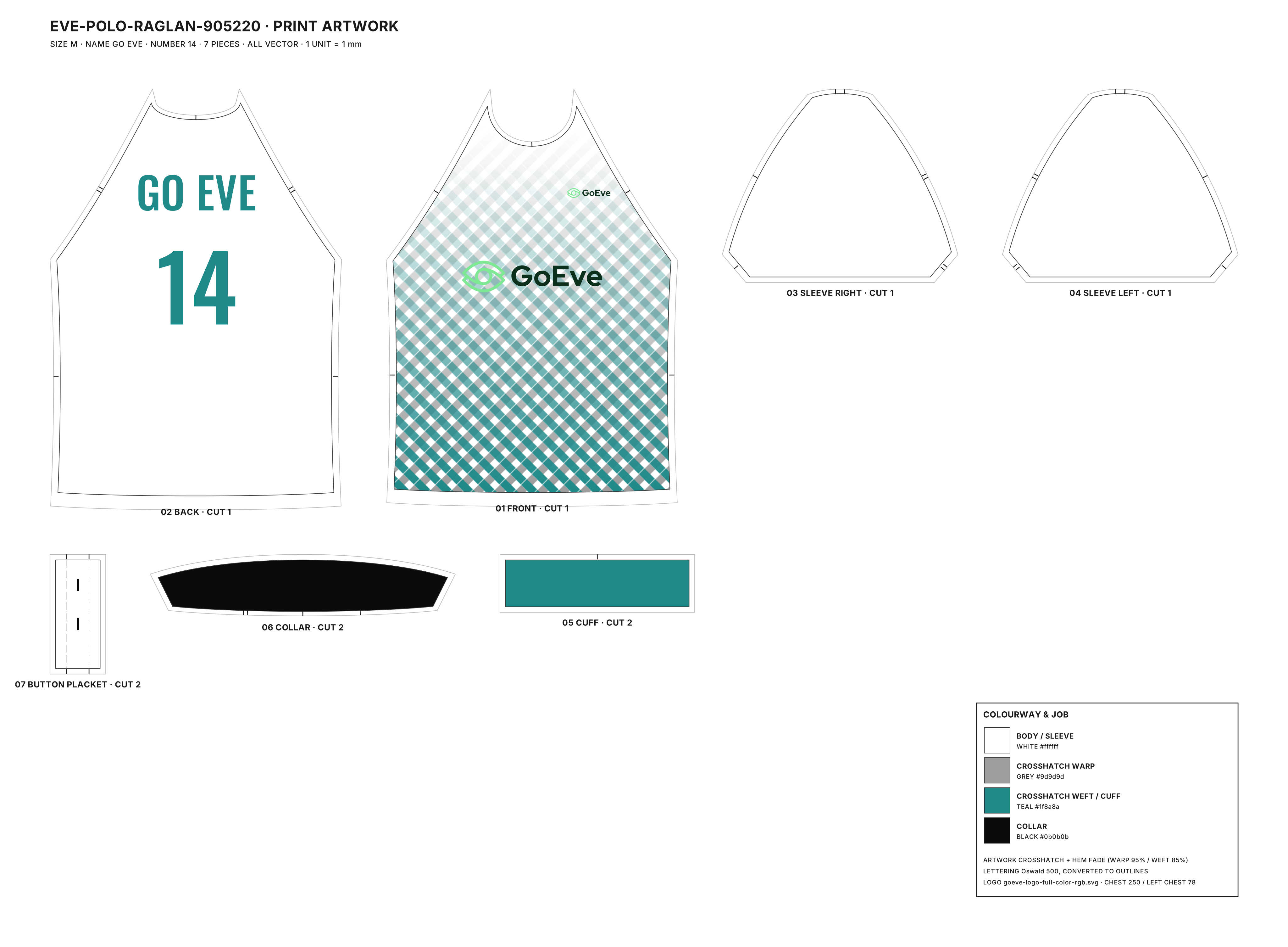
The EPS Generator places the artwork on the right pieces, clips it to the silhouettes and delivers a vector file for every ordered size.
One file per product size, exactly to scale, no manual rescaling.
Logos and embroidered text are placed automatically and consistently according to product rules.
Output in CMYK, Pantone or whichever profile your production partner needs, fully configurable and convertible.
Names and numbers are outlined to vector paths, no font dependencies at the factory.
Output profiles, paneling, logo clipping and scaling rules are all configurable per client and per project.
Running at scale in production, including at PUMA OSS, now available as a module for every Go Eve platform.
Every order line gets its own file: the right size, the right name and the right number, automatically composed and checked.
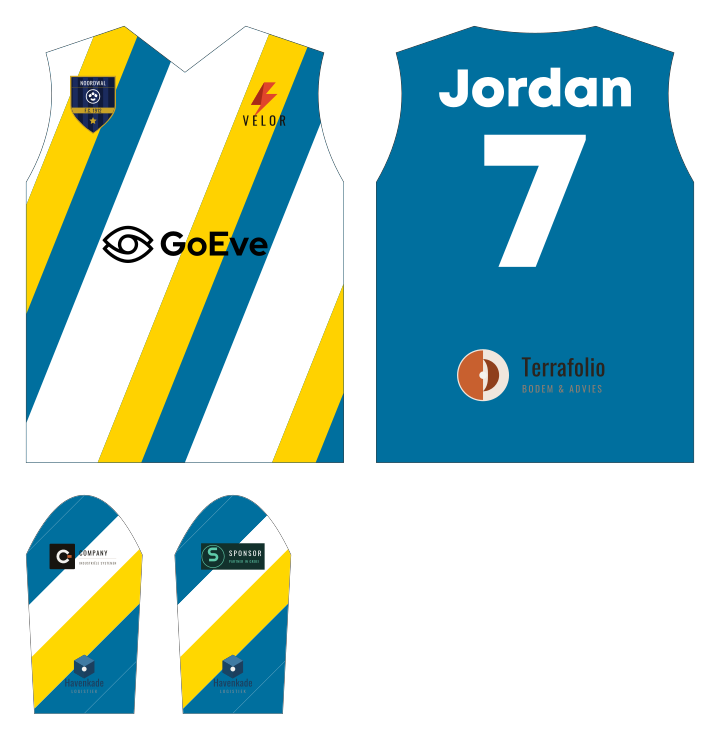 XS
XS 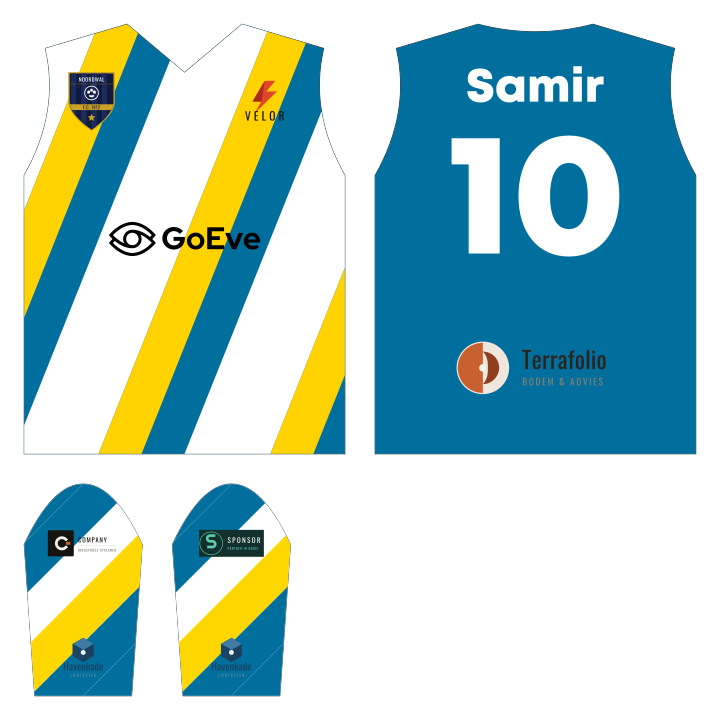 M
M 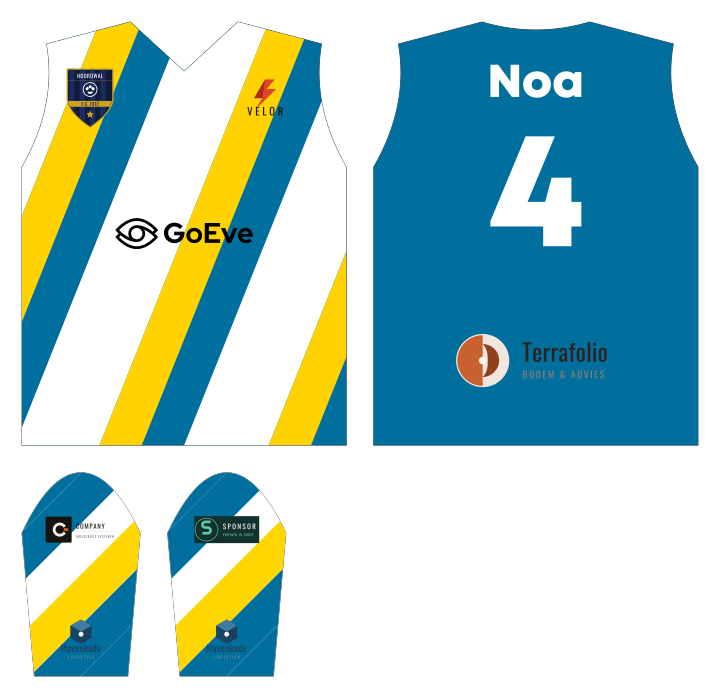 XL
XL 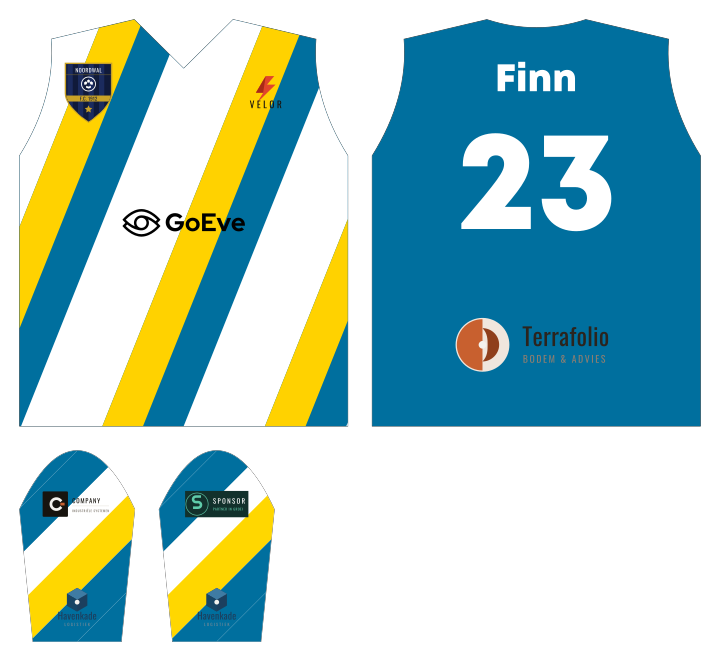 3XL
3XL Less manual work, fewer errors, more grip on turnaround time.
Order volume can grow without DTP capacity becoming the bottleneck.
Receive a production-ready file directly, no more interpretation work.
EPS, AI (Illustrator), PDF, SVG, and related vector formats.
Yes. Output is true to size, per product size, with the right scaling rules applied per graphic.
The color profile is configurable: CMYK, Pantone or another profile, depending on what your production partner needs.
Yes. Output profiles, paneling, logo clipping, color setup and scaling rules are all configurable per project.
Yes. The service runs standalone, as long as the required data can be supplied. Within the Go Eve ecosystem it runs as a fully automated process.
See what automatic production files mean for your order volume and turnaround time.